


Share this post


The most important skill in working with AI agents isn't prompt engineering. It's not picking the right model. It's not even knowing how to code.
It's context management.
Your agent's context window is its working memory. Everything in there -- every token, every schema, every instruction -- shapes every decision it makes. Put in exactly what it needs? Sharp, focused results. Flood it with noise? Confusion, hallucinations, and Casino Code.
I learned this the hard way, building seven agent tools over the past year. Only put into the context what is necessary for the task at hand. Nothing more. That's the principle. Everything else follows from it.
And MCP? MCP violates it completely.
What MCP Actually Does to Your Context
I get why MCP is appealing. Anthropic invented it -- dynamic tool discovery, connect to any system, everything auto-discoverable. Plug and play. Who wouldn't want that?
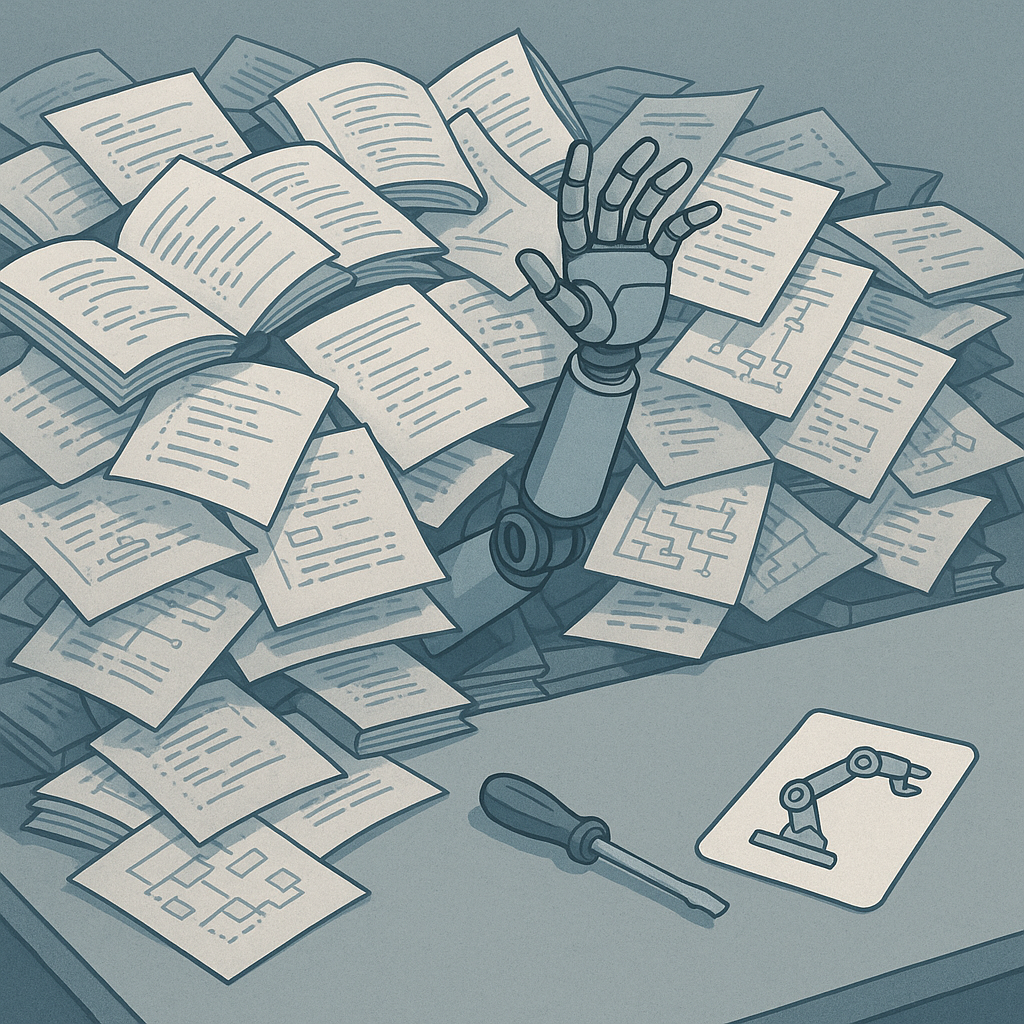
But here's what actually happens when you connect MCP tools: full API schemas get loaded into your context before your conversation even starts. All of them. Every tool you've connected. Sitting there, competing with your actual instructions for the model's attention.
Think about that. You want to upload a blog post. One operation. But your agent is processing the complete schema for Webflow, plus GitHub, plus Slack, plus whatever else you've plugged in. Twenty MCP tools can burn 4,000-10,000 tokens before you've typed a single character. That's your agent's working memory -- gone -- on documentation it doesn't need.
When have you ever needed an entire API's documentation just to call one endpoint? You wouldn't hand a programmer a shelf of reference books and say "read all of these, then write me a function to upload a file." You'd point them at the endpoint, give them the auth details, and let them work.
So why are you doing that to your LLM?
And it gets worse. Because LLMs are stochastic, all that extra context isn't just wasted space -- it actively makes decisions worse. The model reads that documentation and starts making tangential decisions you never asked for. I've seen agents make weird choices because MCP schemas were priming them toward certain patterns. Everything in the context window influences everything.
More context doesn't mean better results. It means more noise. More confusion. More Casino Code.
How I Replaced MCP With Seven CLI Tools
Okay so here's what I actually did. I run my entire content pipeline -- YouTube channel, blog, LinkedIn, thumbnails, social scheduling -- with agent tools. Seven focused CLI scripts. Zero MCP plugins.
Each tool does one thing. Each tool has a skill -- a lightweight instruction file that tells the agent when and how to use it. The skill gets loaded into context only when the agent actually needs that tool. Not before. Not on every interaction.
Let me show you two of them.
Publishing a Blog Post -- One Command
I write blog posts constantly. Uploading to Webflow used to mean: open the CMS, paste content, fill metadata, upload images, set the slug, set categories, preview, publish. Tedious. Error-prone. The kind of thing that makes you procrastinate.
So I built a tool. One Python script. And a skill that tells the agent how to use it:
# .claude/skills/webflow/SKILL.md
name: webflow
description: Upload a blog post to Webflow CMS. Usage - /webflow [content-folder]
---
You are a Webflow publishing specialist.

## The Command
uv run --directory agent_tools/webflow_api python webflow_upload.py \
  /path/to/content/blog/post.md --draft

## Parameters
| Parameter   | Description                          |
|-------------|--------------------------------------|
| `blog_post` | Path to markdown blog post (positional) |
| `--draft`   | Upload as draft (don't publish)      |
| `--dry-run` | Preview without uploading            |
| `--update`  | Update an existing post              |
I tell my agent "upload this draft to Webflow." It reads the skill, runs the command, and the blog post shows up in Webflow as a draft. Images uploaded, metadata filled, slug set. Done. Maybe 80 tokens of context, loaded once, for the specific task I asked for.
Compare that to an MCP schema for the full Webflow API -- hundreds of tokens, loaded on every interaction, whether I'm publishing or not.
The agent doesn't need to know the Webflow API. It needs to know how to call one script. That's a massive difference.
Generating Thumbnails -- Automated Pipeline
Every video needs a thumbnail. This used to take me hours -- and I mean hours. Finding the right frame, removing the background, compositing with text, checking quality, iterating. I used to hire editors for this.
Now it's one command:
uv run --directory agent_tools/thumbnail_generator python generate_all.py \
    --text "Kill MCP" \
    --keyframes-dir content/2026-03-18-stop-using-mcp/assets/keyframes/ \
    --output-dir content/2026-03-18-stop-using-mcp/assets/ \
    --count 3
That extracts keyframes from the video, picks good talking-head frames, strips the background using Gemini, composites with text overlays on a branded template, and runs a quality validation pass. Three validated thumbnails. Zero manual work.
The quality gate catches issues -- messy shirt edges, bad expressions, whatever -- so I can iterate in a loop. Run it again, same consistent output every time. Not "let me ask the LLM to figure out the Gemini API from an MCP schema and hope it picks the right endpoint." Deterministic. Repeatable. Done.
300 Tokens vs. 3,000
Here's the math that made me stop using MCP entirely.
All seven of my tools -- transcription, video editing, image generation, thumbnail compositing, YouTube upload, Webflow publishing, Buffer scheduling -- are documented in one table in my project's CLAUDE.md:
| Command | Used by |
|---------|---------|
| `uv run --directory agent_tools/webflow_api python webflow_upload.py`      | Webflow blog upload   |
| `uv run --directory agent_tools/thumbnail_generator python generate_all.py`| Thumbnail pipeline    |
| `uv run --directory agent_tools/transcription python transcribe.py`        | Video transcription   |
| `uv run --directory agent_tools/video_editor python manual_edit.py`        | Video editor          |
| `uv run --directory agent_tools/image_generation python image_gen.py`      | Image generation      |
| `uv run --directory agent_tools/youtube_upload python youtube_upload.py`    | YouTube upload        |
| `uv run --directory agent_tools/buffer_api python schedule_post.py`        | Buffer scheduling     |
That table is roughly 300 tokens. The agent reads it, decides which tool is relevant, loads that tool's README, and executes. Context stays clean the rest of the time.
The equivalent as MCP schemas? At 200-500 tokens per tool, that's 3,000+ tokens minimum. Loaded before every conversation starts. Competing with my instructions for the model's attention. Whether I need them or not.
300 vs. 3,000. On-demand vs. always loaded. Clean context vs. cluttered context. This isn't a close call.
And here's the thing people miss -- it's not just about token count. A tool runs the same way every time. Same input, same output. No stochastic interpretation of API documentation. No LLM deciding which endpoint to use based on vibes. No model routing changes breaking your workflow next week. You get deterministic, repeatable, portable execution. The tool works with Claude Code, with Cursor, with a bash script, with a cron job. It's just a script.
MCP plugins? Locked into whatever runtime supports the protocol. And every schema is noise the model processes on every interaction, even when you're doing something completely unrelated.

Build Your Own
The pattern is dead simple. A tool is a CLI script that does one thing -- upload a blog post, generate a thumbnail, transcribe a video. It has a README explaining how to call it. A skill is a short instruction file that tells the agent when that tool is relevant and how to invoke it. That's the whole architecture.
The agent reads the skill. Decides if it's relevant. Loads the tool's README only when it needs it. Runs the command. Context is loaded on-demand, for the specific operation, and nothing else.
I've built seven tools this way. They run my entire content pipeline. I'm open-sourcing the two tools I demoed here -- the Webflow upload and the thumbnail generator -- so you can see exactly how they work, fork them, and build your own.
And honestly? You don't even need to start from scratch. Tell Claude to write you a tool for any API you use regularly. It's genuinely good at this. I built most of mine that way. Add a README, create a skill, and you've replaced an MCP plugin with something better in every dimension.
Protect Your Context. Act Like it Matters!
Here's what I want to leave you with. And it's bigger than MCP.
Just because AI writes most of the code doesn't mean your brain is off the hook. It means the opposite. The work shifted. You're not typing functions anymore -- you're deciding what goes into the context, what guardrails to set, what evals to run, how to orchestrate the whole thing. That's the job now. That's engineering in 2026.
MCP treats context like it's free. It isn't. Context is the scarcest resource you have. It's the difference between an agent that nails it and one that hallucinates a Webflow endpoint that doesn't exist. Managing it well -- being precise, being deliberate, loading only what you need -- that's not a nice-to-have. That's the skill.
Context management. Guardrails. Evals. Orchestration. This is how we build software now. This is how we'll build it for the foreseeable future. The engineers who get this -- who think carefully about what goes in, what comes out, and how to verify the results -- those are the ones shipping 100x what everyone else ships. Not because they type faster. Because they think better about how to use the machine.
Use your brain. Find ways to reduce the burden on the model. Make it precise. Make it focused. Make it do the right thing by giving it exactly what it needs and nothing more. Give it mutli-shot examples, code samples, not talk to it like it's your buddy.
I'm open-sourcing the two tools I demoed here so you can see how this works in practice. I'm building all of this in public. And I'll keep sharing what I learn -- because we're all figuring this out together.
Kill MCP. Build agent tools. And start treating your context like the precious resource it is.
Related: Casino Code: AI Pair Programming with Luck and Hope
Stop wasting time on AI. I run practical experiments — real lessons you can use tomorrow, biweekly.


